
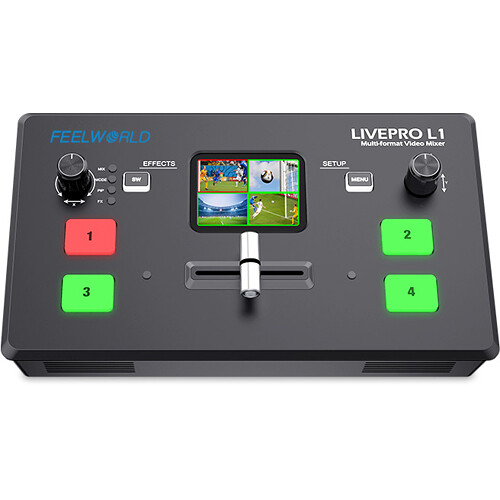


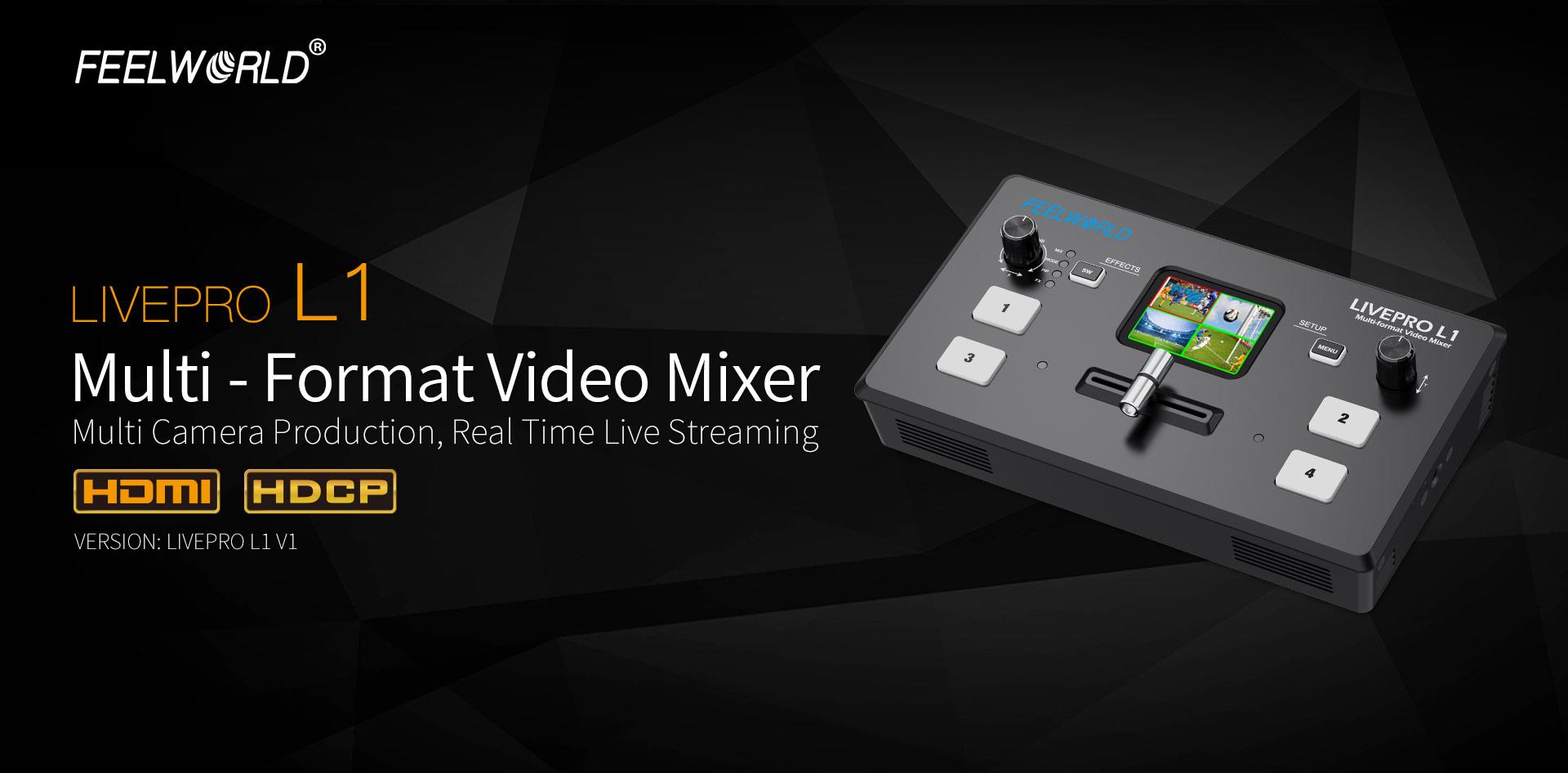
FEELWORLD LIVEPRO L1 Multi Camera Video Mixer Switcher

Key Features
- 2”TFT display on board to live preview 4 inputs
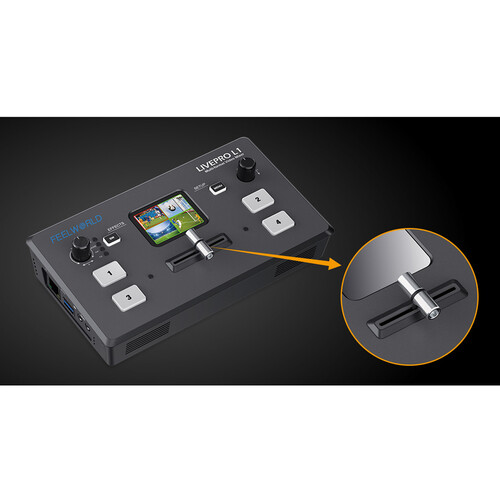
- Auto cut and manual switch (T-Bar)
- USB capture video complying with UVC for live streaming
- Audio offers embedded or external source to select
- Support switch between 6-picture PVW and PGM to HDMI out
- Support PIP
- 14 transition effects on T-Bar
- Control by PC or Smart phone (via APP)
Description
FEELWORLD LIVEPRO L1 Update to New Version
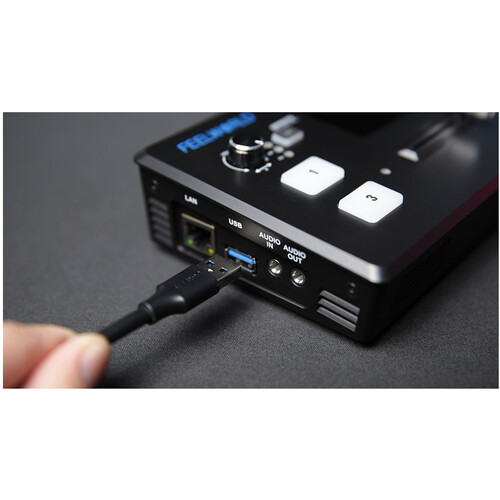
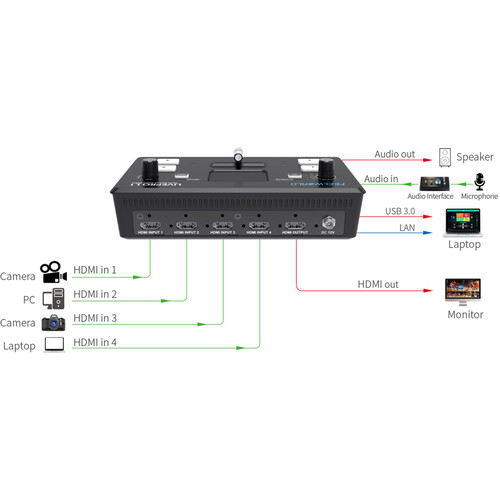
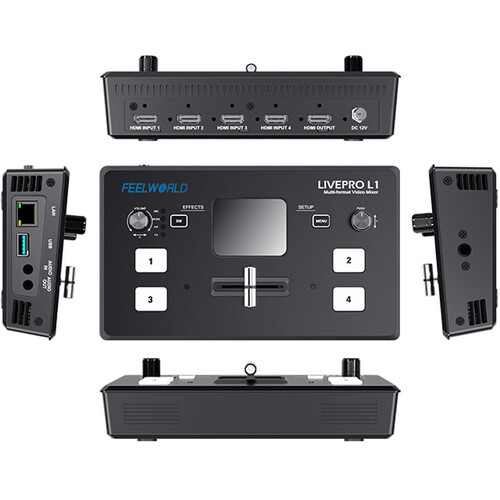
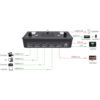
LIVEPRO L1 V1 with 4 CH HDMI inputs and 1 HDMI output, all of them support 1080p. For live streaming, there is a USB3.0 interface. And plus, the LAN port for controlling and upgrading; for audio, it has 2 interfaces, one for input, and the other one for output. All of these make it easy to create professional multi camera productions. It is able stream any one from the 4 HDMI inputs to any live broadcasting platform via third party live streaming software such as OBS. Simply connect LIVEPRO L1 and you can switch live between 4 high quality video camera inputs for dramatically better quality images. Or connect a computer for PowerPoint slides or
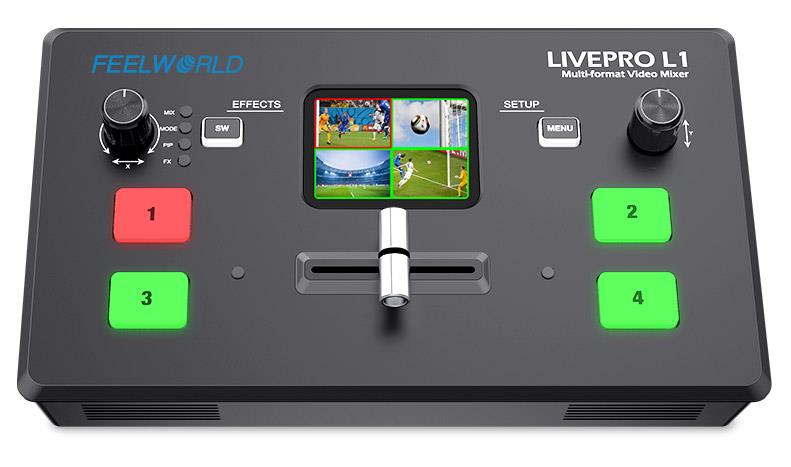
Exquisite and Flexible Control Panel
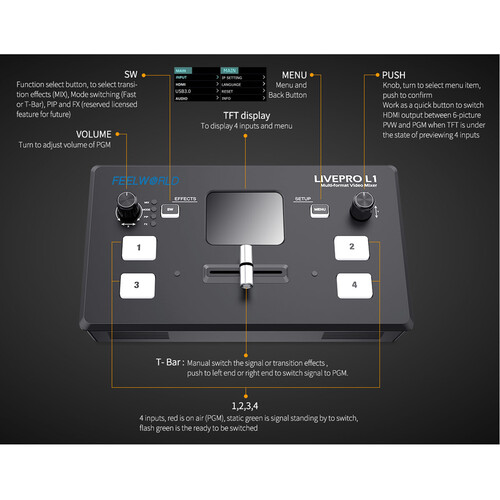
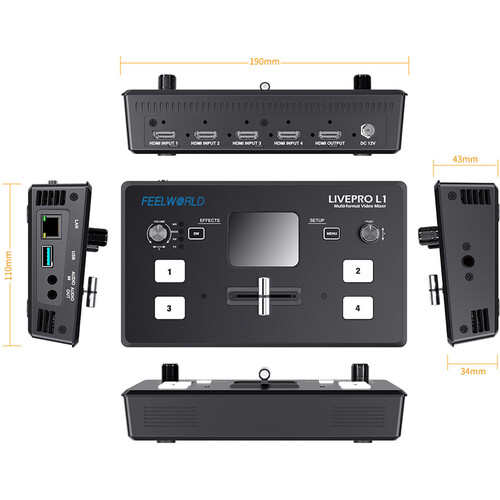
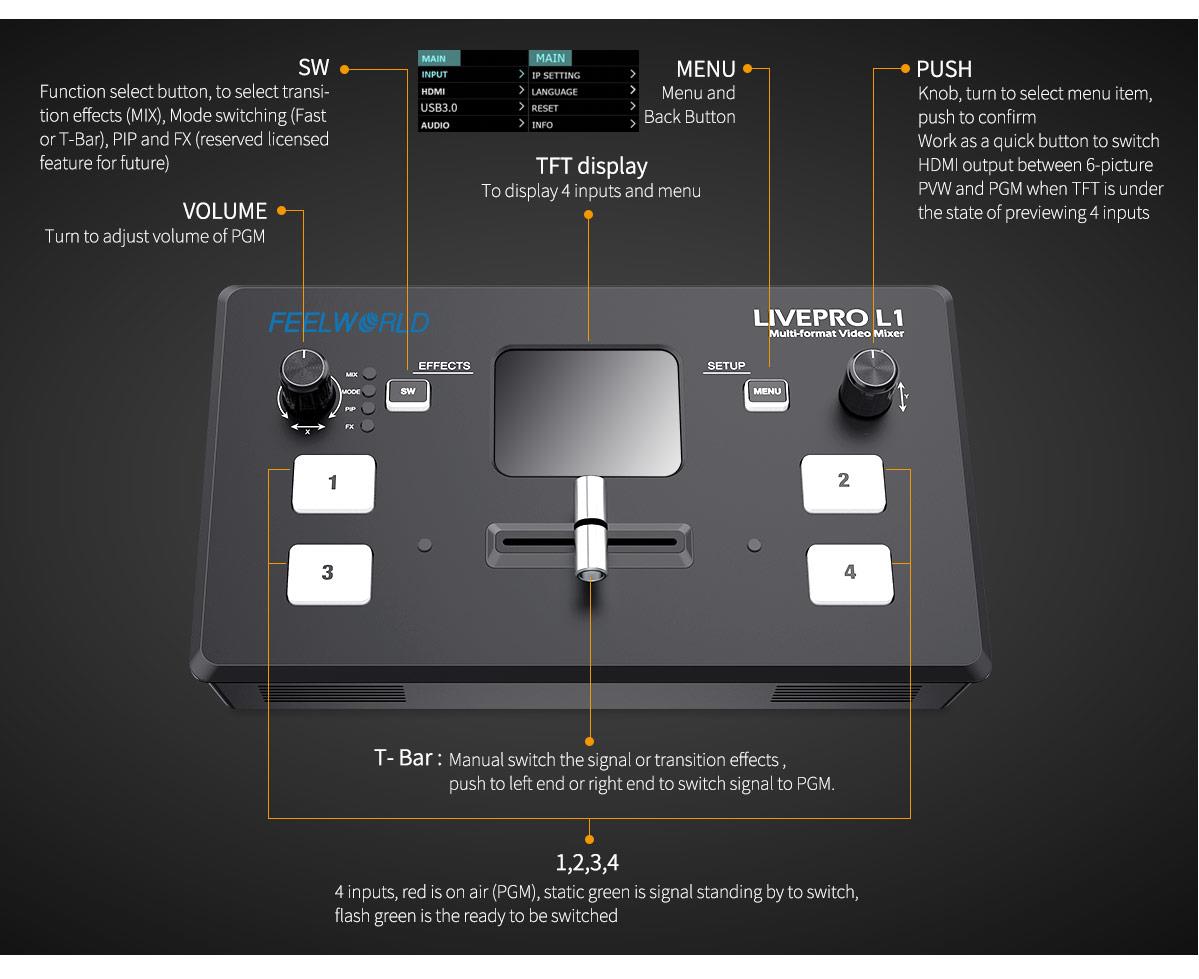
The LIVEPRO L1 V1 has an exquisite and compact control panel. The 4 buttons are for selecting input signals, green flashing means the signal has been selected, then switch the T-Bar, the selected signal will be displayed on the screen seamlessly, the green button changed to red after switched. The MENU button is for menu setting, the SW button is for selecting different functions such as mixing, PIP, transition time setting and the other functions. The left knob is for voice volume controlling, the right knob is for menu setting as well. From the TFT screen, we can preview 4 HDMI signals and easily do menu setting.
• When you choose T-Bar to switch signal sources or transition effects, T-Bar must be pushed to left end or right end. When using the menu operation, T-BAR should also be in left end or right end, otherwise it cannot be operated.
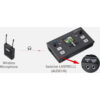
• When you would like to connect or embed audio, you must select the external or embedded audio source in the “AUDIO” menu firstly.
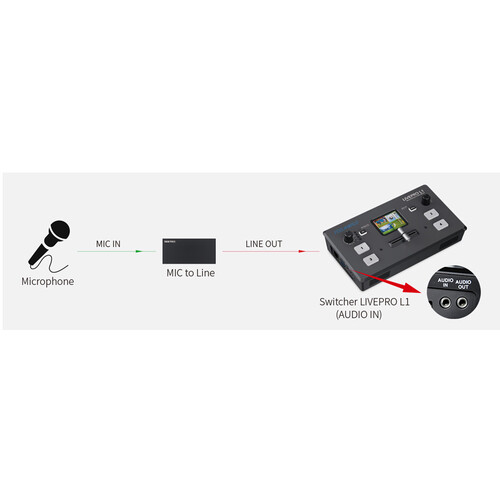
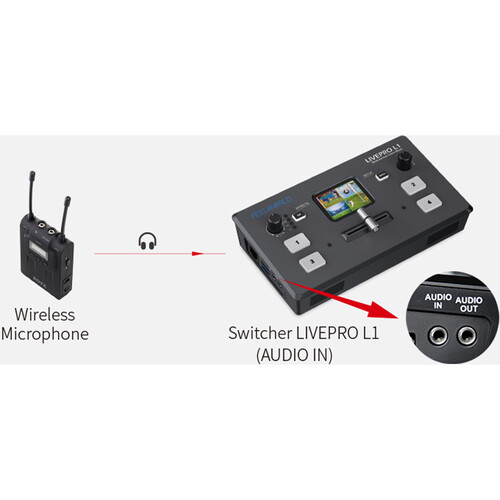
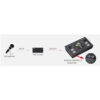
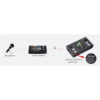
AUDIO IN and AUDIO OUT
Solutions for live broadcasting audio problems:
USB interface and HDMI output can set PVW and PGM independently
Allowing you to choose freely
The USB interface of LIVEPRO L1 V1 also can be used as signal output except HDMI output. They can connect computer or monitor to set PGM and PVW independently. You can choose to set any of them as preview or PGM as you like.